Integration · CRM and sales
Pipedrive AI agents that keep deals moving
Brainwrite connects Pipedrive to your AI agents so they can search deals, people, and organizations, read a deal's timeline and linked emails, add activities and notes, update deals, and merge duplicates. You connect Pipedrive in your browser, choose which bots get which tools, and changes come to you as approval cards unless you've allowed them.
 Brainwrite · Pipedrive
In Pipedrive, find open deals with no activity scheduled. For each, read the timeline, add a note on where it stands, and propose an activity with a due date. Wait for my OK before adding the activities.


You connect Pipedrive once. Your Chief of Staff puts a bot on it.
- Search deals, people, and organizations
- Get a deal's details, timeline, and linked emails
- Add a deal, person, or organizationWaits for you
- Update a deal's stage, value, or ownerWaits for you
- Add an activity with a due dateWaits for you
In Pipedrive
What your bots can do in Pipedrive.
- Search deals, people, and organizations
- Get a deal's details, timeline, and linked emails
- Add a deal, person, or organization
- Update a deal's stage, value, or owner
- Add an activity with a due date
- Add a note to a deal or person
- Merge duplicate people or organizations
- Get a deals summary for your pipeline
Chief of Staff
- Next-step check
- Duplicate clean-up
- Pipeline summary
Changes in Pipedrive wait for your approval in Ask mode
Jobs
Jobs your team does with Pipedrive.
Next-step check
Find open deals with no scheduled activity and add one, so nothing sits without a next step.
Duplicate clean-up
Spot people and organizations entered twice and merge them after you confirm the pairs.
Pipeline summary
Summarise deal counts and value by stage for your weekly sales meeting.
Set up
How to connect Pipedrive.
- 01
Open Connected apps
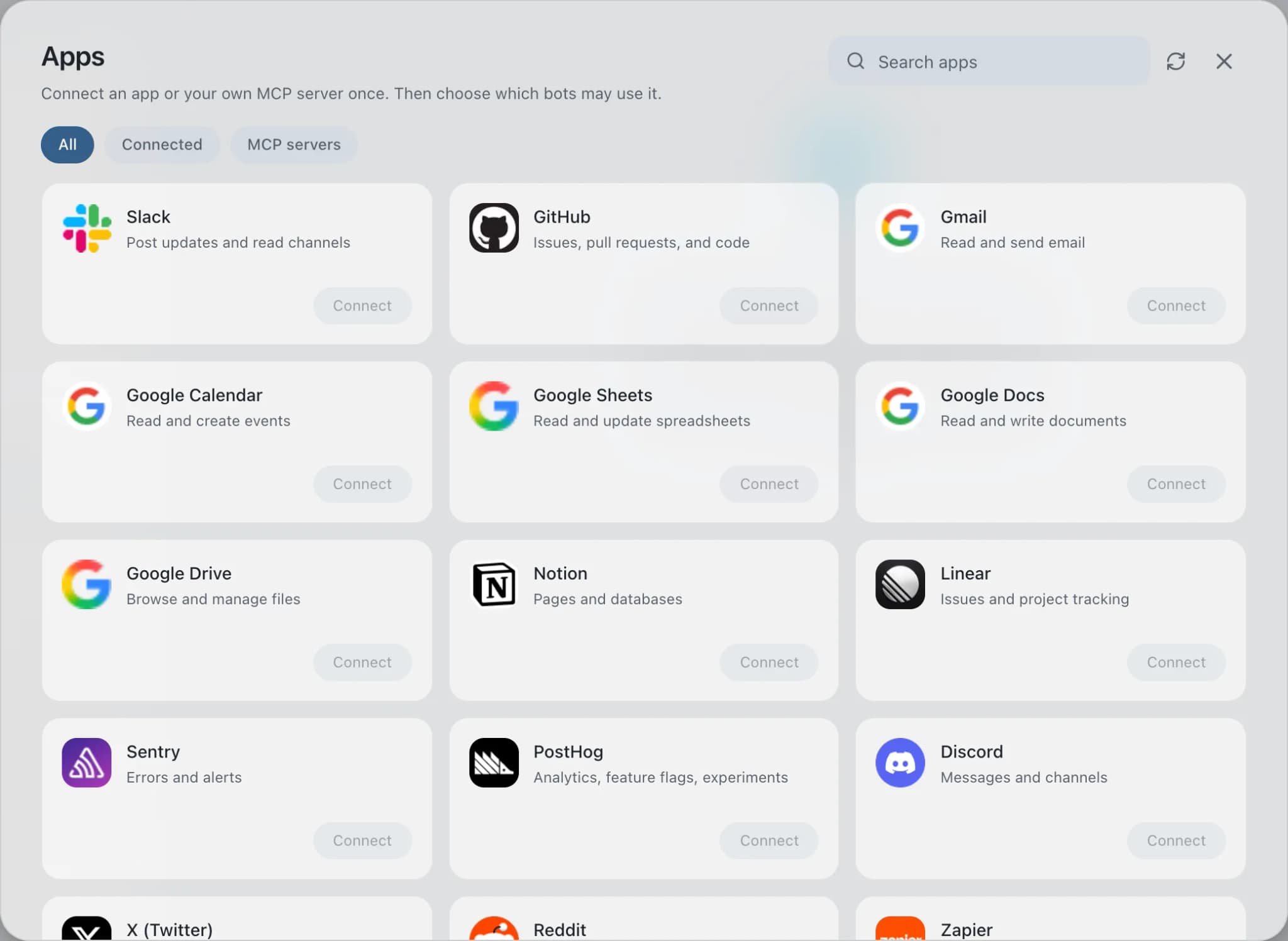
In Brainwrite, choose Connected apps in the sidebar. The official app sets up the connection service for you; there's no key to paste.
- 02
Search for Pipedrive
Find Pipedrive and choose Connect. You can add more than one account later and label each, such as work or a client.
- 03
Sign in in your browser
Finish Pipedrive's own sign-in in your normal browser. The access token stays with the connection service and never enters a bot's prompt.
- 04
Choose which bots get it
In each bot's settings, give it all tools, an exact list, or none. Imported bots start with none, so nothing reaches your account by surprise.
Put it to work
Use cases with Pipedrive.
CRM hygiene
A weekly routine finds duplicates, missing fields, and stale deals in your CRM, and proposes fixes you approve.
Sales
Sales follow-ups
Keeper finds threads where you owe the next step; Nudge drafts a follow-up from the real conversation. You send.
Sales
Weekly report
Each Friday the Chief of Staff gathers shipped work, open issues, and pipeline changes into one report you approve.
Operations
FAQ
Brainwrite and Pipedrive: questions
How do I connect Pipedrive to Brainwrite?
Open Connected apps, search for Pipedrive, and select Connect. Label the account, then sign in to Pipedrive and approve access in the browser window that opens. Return to Brainwrite and ask a bot about your pipeline. The OAuth token stays with Composio and is never written into prompts.
How do I limit what a bot can do in Pipedrive?
In the bot's settings under Connected apps, choose all Pipedrive tools, an exact list, or none. Pipedrive's toolkit is large, with nearly 400 tools, so an exact list is usually the better choice: search, get, add activity, and add note cover most follow-up work.
Can a bot merge records by mistake?
Merging is a write action, so it comes to you as an approval card unless you've allowed it. You can also leave the merge tools out of a bot's grant entirely and only let it list the duplicate pairs it finds for you to merge.
CRM and sales
More crm and sales.

HubSpot
Bots search HubSpot contacts and deals, log notes and tasks, and keep records tidy.

Close
Bots create Close leads, log calls and SMS activity, add tasks, and read notes on your leads.

Attio
Bots query and update Attio records and lists, add notes and tasks, and read meetings.

Salesforce
Bots query Salesforce, review pipeline, log activity, and update records once you approve.





Give your AI team Pipedrive.
Download the app, connect the AI you already pay for, and tell your Chief of Staff what needs doing.
macOS today. Windows and Linux are coming soon.